Reset Password
Reset Password
Resetting the account password is done from the Account Menu. Select the Account Menu dropdown, then select Reset Password - a new tab will open. You will need your old account password as well as a new password.
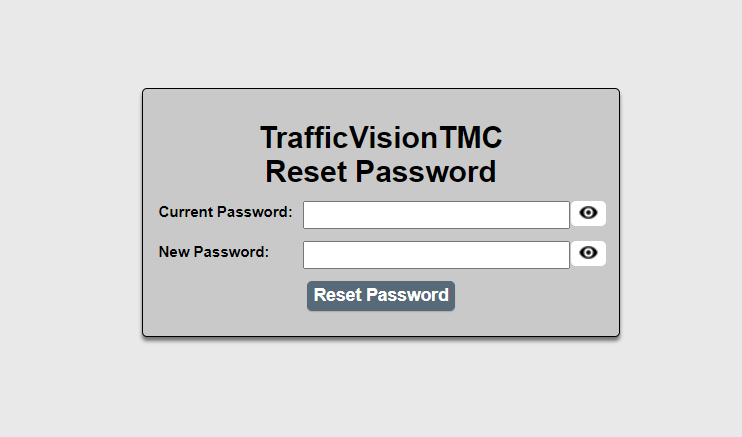
If the current password can not be provided please contact an Administrator of your TrafficVision system.